

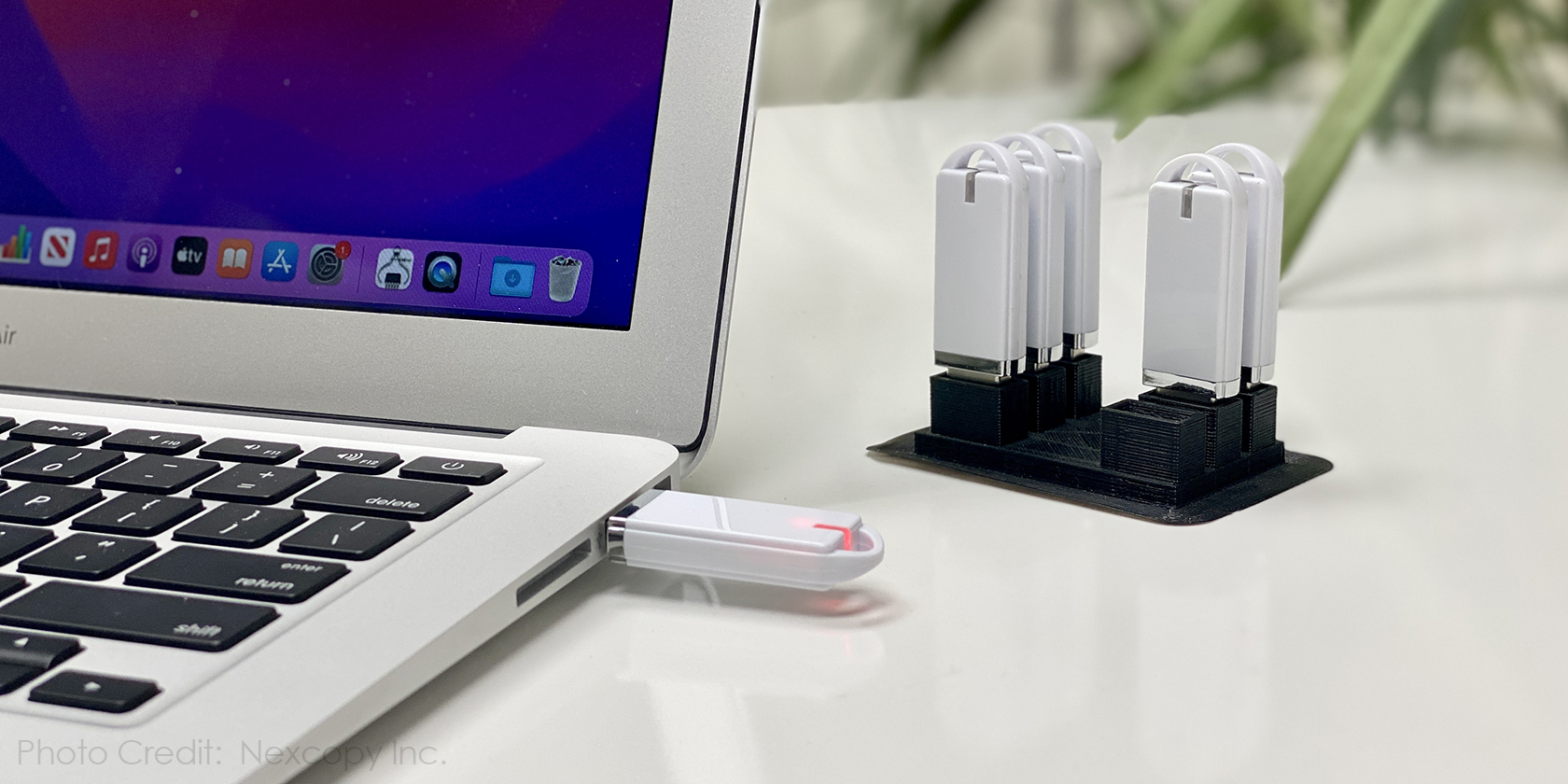

For a business manager, reducing cybersecurity hazards will always be a top priority. USB flash devices are a popular employee device that IT administrators despise. IT administrators dislike flash drives for one fundamental reason: flash drives do not function as expected. This is a topic that few people discuss or even consider, so today we will examine the specifics.
IT administrators despise flash drives because they allow malware to propagate rapidly and readily. A flash drive is designed to attach and disconnect rapidly, facilitating the transfer of files from one computer to another. This situation is ripe for the introduction of malware.
Wouldn’t it be great if flash drives were impervious to such vulnerabilities while also being simple to use?
Before addressing the fundamental flaw in how USB flash drives function, the following are the five stages a virus will take to determine if it can propagate via USB:
1) Check For The Presence Of A USB Flash Drive: Before infecting a computer, the malware would first check to see if a USB flash drive is connected to it.
2) Verify The USB Flash Drive’s File System: The virus would verify the USB flash drive’s file system to ensure that it is compatible with the virus and that it can write files to the drive.
3) Examine The Available Storage Space On The USB Flash Drive: The virus would examine the available storage space on the USB flash drive to determine if it has sufficient space to copy itself or additional files.
4) Examine The USB Drive’s Security Settings: The virus would examine the USB flash drive’s security settings to determine if it is read-only or has other restrictions that would prevent it from transferring itself to the drive.
5) Attempt To Duplicate Itself Onto The USB Flash Drive: Lastly, the virus would attempt to copy itself onto the USB flash drive using any available exploits or vulnerabilities to circumvent security measures and obtain access to the drive.
Before step five, which involves copying files to the USB flash drive, bullet points 1 through 4 are qualifiers. Step five, which involves copying files to the USB flash drive, is the true duty of a virus. Step five is the precise reason why flash drives do not function as they should.
The correct operation of a USB flash drive is that it should never be writable unless authorized by the user. In other words, a flash drive’s default state should be write-protected or read-only. Only the user can temporarily access the drive to enable writing. This is how a flash drive ought to operate.
By controlling when a device becomes writable, it is possible to restrict when and how malware can propagate. This is such a nuanced yet crucial aspect that it will be essential to emphasize the actions a virus takes when attempting to propagate.
1) Malware is designed to lie inert until certain circumstances occur.
2) Malware will examine the USB drive’s properties at the time of power-up or enumeration by the operating system. Malware will rapidly ascertain the configuration of the device and determine if it can propagate. If the malware cannot enumerate, it enters a dormant state until the next enumeration.
3) Malware will not return to a device after enumeration, as it is designed to avoid attracting attention.
The write protection is set at the level of the device’s hardware controller, so it follows the drive to any computer, device, or system to which it is connected. The write protection is not dependent on the host. Machine code, or microprocessor firmware, is nearly impossible to infiltrate, so the write protection of the device is extremely secure.
The most remarkable feature of Nexcopy is that the default state of the device is write-protected; that is, whenever power is cut to the device, either by appropriate “ejection” or by simply yanking the drive out, the default state of the drive reverts to being write protected.
Considering the default state of the drive, the Lock License drive poses a lower risk of a pathogen propagating than any other flash drive on the market. This concept does not eliminate the possibility of a virus spreading because human error is always a possibility, but it makes it much simpler for an IT manager to embrace USB flash drives once again.
