

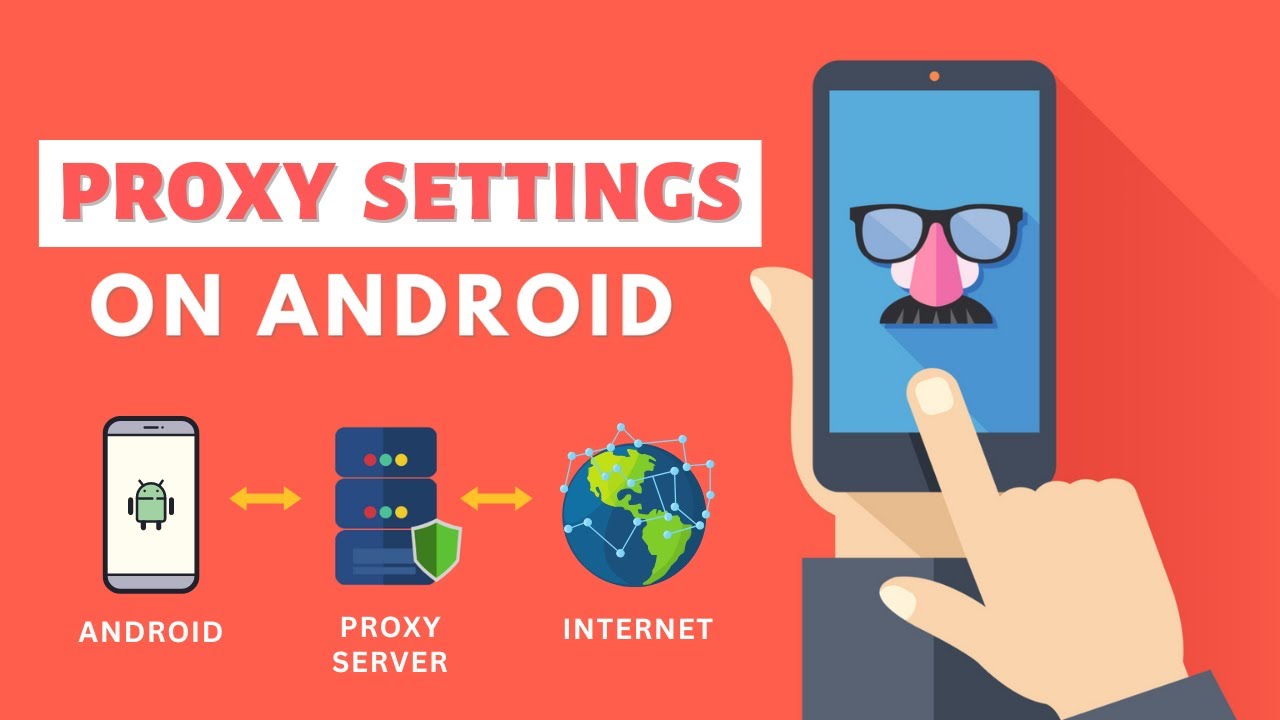

Connecting to a mobile proxy can seem daunting for users who are unfamiliar with this process. However, it does not have to be. In fact, there are various methods and tools that make the procedure much easier. This guide will outline all the necessary steps in order to make setting up a digital connection to your device simple and straightforward. Not only that, it will offer essential tips to maximize user experience and security while browsing the web on their mobile devices.
Prerequisites for Mobile Proxy Connection
Connecting to a mobile proxy is relatively easy with the right technology and preparation. Before beginning the connection process, ensure that you have a supported device or browser and a properly configured Wi-Fi, 3G, or 4G network. You will also need an active mobile proxy subscription with the correct data bandwidth, as well as credentials to access the network provided by your mobile proxy provider.
Additionally, updated software such as Apple iOS’ Safari and Google Chrome’s browsers are essential for successful mobile proxy connections, allowing users to securely traverse securely through geo-restricted sites with encrypted data. With these prerequisites in place, users can enjoy internet freedom without compromising on their privacy without having to worry about malicious cyber threats.
Setting Up a Mobile Proxy Network
Setting up a mobile proxy network is a great way to ensure secure and efficient connections from any device, anywhere. It allows you to anonymize your IP address and access content that may not be available in an area due to geographic or political boundaries. This can be achieved through various methods such as configuring a virtual private network (VPN), peer-to-peer connections, renting proxies, or utilizing a public Wi-Fi connection.
Here are the steps for setting up a mobile proxy network:
- Select a Mobile Proxy provider and subscription plan that best meets your needs and budget.
- Acquire the appropriate credentials to access the mobile proxy network from your provider, such as username, password, port number, IP address, etc.
- Update all necessary software on your device or browser before attempting to connect to the mobile proxy network.
- Connect to a secure Wi-Fi, 3G, or 4G network with your device.
- Configure your device’s network settings by entering the credentials and other information provided by your Mobile Proxy provider.
- Test the connection by visiting a website that is accessible from within the proxy network jurisdiction.
- Enjoy secure and private internet access without compromising your browsing experience or security!
- If you have any trouble connecting, contact your Mobile Proxy provider for assistance.
Connecting to a Mobile Proxy
Connecting to a mobile proxy can be an invaluable tool for anyone looking to stay secure and anonymous while browsing the web on a mobile device. By using mobile proxies, users can benefit from privacy protection, IP masking, and access to geo-restricted content.
Mobile proxies are especially useful for anyone who is frequently traveling and needs secure internet access with local IP addresses in both their source and destination countries.
Additionally, connecting to a mobile proxy with an encrypted connection makes it much more difficult for hackers to access private data such as emails, documents, and financial info. Overall, connecting to a mobile proxy can give the user a boosted sense of confidence that their private information is safe and secure.
When connecting to a mobile proxy, it is important to consider the IP address type used by the server. Mobile proxies usually offer either shared or dedicated IP addresses, with each having its own set of benefits and drawbacks.
Shared IPs are more affordable but may lead to slower speeds due to network congestion, whereas dedicated IPs provide high-speed connections but could be more expensive. Additionally, it is important to pick the right mobile Proxy provider that meets your needs and budget, as well as offers customer support in case of any technical issues.
Before committing to a subscription plan, make sure to read reviews from other users and test out the proxy connection with a free trial if available. Once you have established the connection, you can enjoy secure and anonymous web browsing with peace of mind.
Troubleshooting Connection Issues with Your Mobile Proxy Network
Troubleshooting connection issues with your mobile proxy network can be a challenge, but it is important to ensure security and privacy when using such networks. If you are experiencing any difficulty accessing the desired content or establishing a secure connection with your proxy service provider, there are several steps that should be taken in order to get back online as soon as possible.
- Check your internet connection to ensure that it is working properly and that you have adequate signal strength for the device or browser in use.
- Contact your Mobile Proxy provider’s support team for assistance with troubleshooting any other errors related to the proxy network itself or its configuration settings.
- Make sure that your device or browser is up-to-date and has the latest security patches installed.
- Confirm that you are entering the correct credentials for connecting to the mobile proxy network.
- Verify that your subscription plan offers sufficient data bandwidth for the type of content you wish to access.
- Check any firewall settings that may be interfering with your connection.
- Ensure that any applications or services that you are using while connected to the mobile proxy network are compatible with it.
By following these steps, users should be able to identify and resolve most issues related to connecting to a mobile proxy network quickly and easily.
Additional Resources and Tips for Using a Mobile Proxy Network
Using a mobile proxy network is becoming increasingly popular as more people seek secure and private access to the internet. For users who are new to connecting to mobile proxies, there are several additional resources and tips that can help ensure successful connections.
First, it is important to make sure that any firewall settings or content filters are not blocking the connection. Additionally, users should be familiar with the various types of connections offered by their Mobile Proxy provider and select the one that is best suited to their needs.
Always make sure to verify your credentials before attempting to connect to a proxy server and never hesitate to contact your provider for assistance with troubleshooting any issues. Finally, it is highly recommended that users regularly check for updates to their software, as these can help enhance security and improve the speed of your connection.
By following these tips and using the right resources, users can enjoy a secure and uninterrupted mobile proxy experience without fear of privacy breaches or malicious attacks. With a bit of preparation and knowledge, anyone can take advantage of the many benefits that a mobile proxy network can provide.
In conclusion
Connecting to a mobile proxy is incredibly convenient, as it allows users to remain anonymous while browsing the internet on their devices. It also provides protection from malicious cyber threats and helps ensure that sensitive data remains well-protected. All in all, connecting to a mobile proxy can offer numerous benefits for people looking for an extra layer of security when using their mobile devices.
